Thursday, April 30, 2015
Interactive White Board!!!
IWB
I got the opportunity to create (borrow) an interactive white board. I did mine on ecosystems. This
interactive white board would be great in my fourth grade class for teaching this lesson. It allows students to go up to the board and create food webs and and chains. It also allows the students to answer questions on the board and within a clock of a button they can go back to the page of the picture that will help them answer the question. Interactive white boards are amazing and i hope i get the opportunity to have one in my classroom.
ISTE Standard: Design and Develop Digital Age Learning Experiences and Assessments.

Coding really can be fun! Seriously...

I am hoping to teach fourth graders. So for coding, they would really need to pay attention to the directions. I got confused a few times about the directions and what each of the blocks meant. It took much concentration and trial and error. The students may have to just have a few trail and error moments, which is okay. I do like that it goes through the important blocks first in the first nine levels before creating your own game. I think all of that instruction will be beneficial for fourth graders. I love that at the end, when you make your own game you have tons of options (blocks). I like that allows creativity and self expression. As you can see from my beautiful game above, you can make and incorporate just about anything! There aren't too many difficult things that go into this particular game. I would say out of everything, just figuring out which each of the blocks do would be the most difficult thing for them to do. Overall I think students should get the opportunity to code. They are so many benefits to it and is a fun thing for them to do. If you are unsure about it, try it out yourself! I will most definitely use coding in my classrooms when I have a chance. I will try to incorporate it during either free time for the students or possibly during art time. This is a great way for students to be able to express their creativity and I am all about that.
ISTE Standard: Facilitate and Inspire Student Learning and Creativity.
ISTE Standard: Design and Develop Digital Age Learning Experiences and Assessments.
Wednesday, April 29, 2015
iPad App Inquiry
For my specific content area: Fourth grade science, I found multiple apps that could pertain to my area and is helpful in the process of educating my students. All of these apps make it easier for both non ELLs and ELLs. I narrowed down all the choices to three apps that I think would be most beneficial in my classroom.
 The first app I came across was called "Frog Dissection". This app allows students to either virtually dissect a frog or do a wet lab. This is a great option for students who would get sick if they saw or smelled an dead frog and had to dissect it. This app allows students to learn the actual content of a frogs insides and their functions without being distracted by the smalls or looks. This app would help accomplish the task of the students being able to know the different parts of a frogs insides, and how they work. I would definitely use this app for science in my classroom because it will allow all students to participate in this lab and still obtain the content and language objectives.

This assistive app "Science 360" allows students to visually see certain types of objects and animals in images or videos. This app would be especially helpful for ELLs who probably haven't been able to see many different types of animals and objects. The visuals can help them better understand certain concepts and will probably make more sense for them. This will help them obtain different objectives that include rare plants, animals, or objects.I would use this app for students who are struggling with certain aspects or concepts. This will allow the students to get visuals of all the things we are learning and talking about

This app "eaylearn Science" has both lessons and quizzes on various science topics. This would be good for students who aren't understanding certain topics and need more practice in a certain topic. This can help students accomplish many different objectives because it will help them in the areas they are struggling in most. It will help them with vocab and more in depth definitions and descriptions and has mini quizzes at the end to check for final understanding. This is also a fun and engaging app so students will still be having fun while learning. This could be something they could work on during their free time or during recess if they don't have technology access at their homes. If I have Ipad access in my classrooms I would encourage students to use this app for more practice in certain areas like reading, writing, or academic vocabulary.
ISTE Standard: Design and Develop Digital Age Learning Experiences and Assessments
This assistive app "Science 360" allows students to visually see certain types of objects and animals in images or videos. This app would be especially helpful for ELLs who probably haven't been able to see many different types of animals and objects. The visuals can help them better understand certain concepts and will probably make more sense for them. This will help them obtain different objectives that include rare plants, animals, or objects.I would use this app for students who are struggling with certain aspects or concepts. This will allow the students to get visuals of all the things we are learning and talking about
This app "eaylearn Science" has both lessons and quizzes on various science topics. This would be good for students who aren't understanding certain topics and need more practice in a certain topic. This can help students accomplish many different objectives because it will help them in the areas they are struggling in most. It will help them with vocab and more in depth definitions and descriptions and has mini quizzes at the end to check for final understanding. This is also a fun and engaging app so students will still be having fun while learning. This could be something they could work on during their free time or during recess if they don't have technology access at their homes. If I have Ipad access in my classrooms I would encourage students to use this app for more practice in certain areas like reading, writing, or academic vocabulary.
ISTE Standard: Design and Develop Digital Age Learning Experiences and Assessments
Thursday, April 2, 2015
My philosophy on intergrating technology
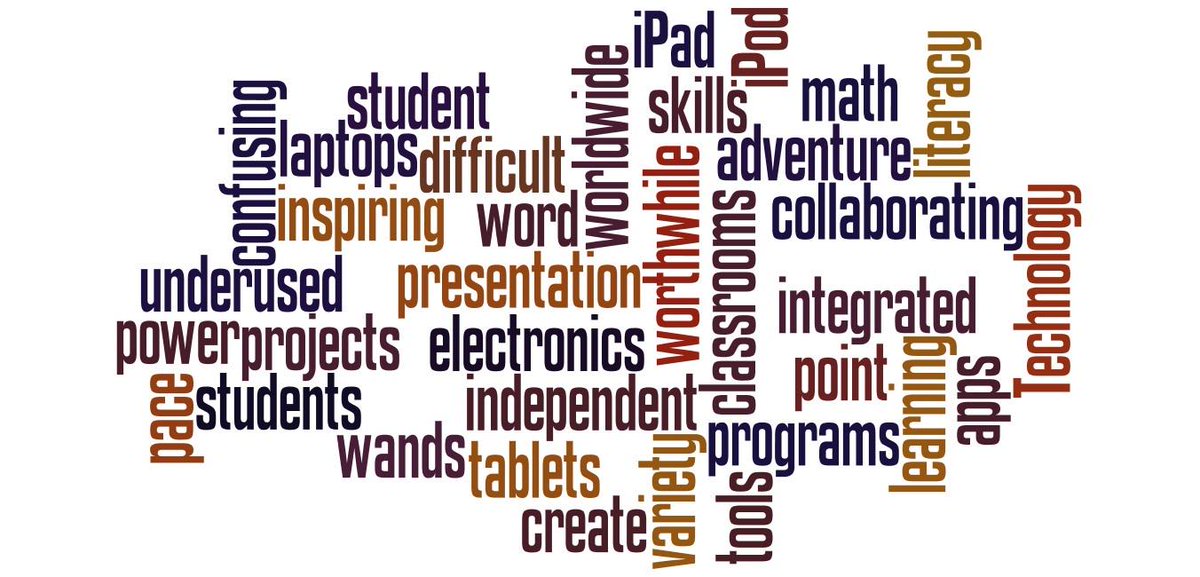
I think incorporating technology into classrooms is a beneficial thing for both students and teachers. There are so many different tools and types of technology out there that are available for students. So, if students are already using various types of technology outside of school why not show them how to use those tools in a different way that can be useful in the classroom and help their learning? As students get older there will be even more technology and more devices so why not make them familiar with what there is now and get them used to it, especially for the students who don’t own any technology outside of school.
Although I am not very tech savvy, I still want my students to have the opportunity to use technology to better their learning. I am hoping to teach in a fourth or fifth grade classroom. Therefore it would be nice to have tools such as laptops, and iPad for them to do research on and use iPad for various educational apps. They could also do writing, reading, and math skills on the iPad at their own pace and level. I really hope I get the opportunity to have various types of tools in my classroom for the students to use. I believe every child should get the chance to integrate technology with education.
Subscribe to:
Comments (Atom)